Click to build
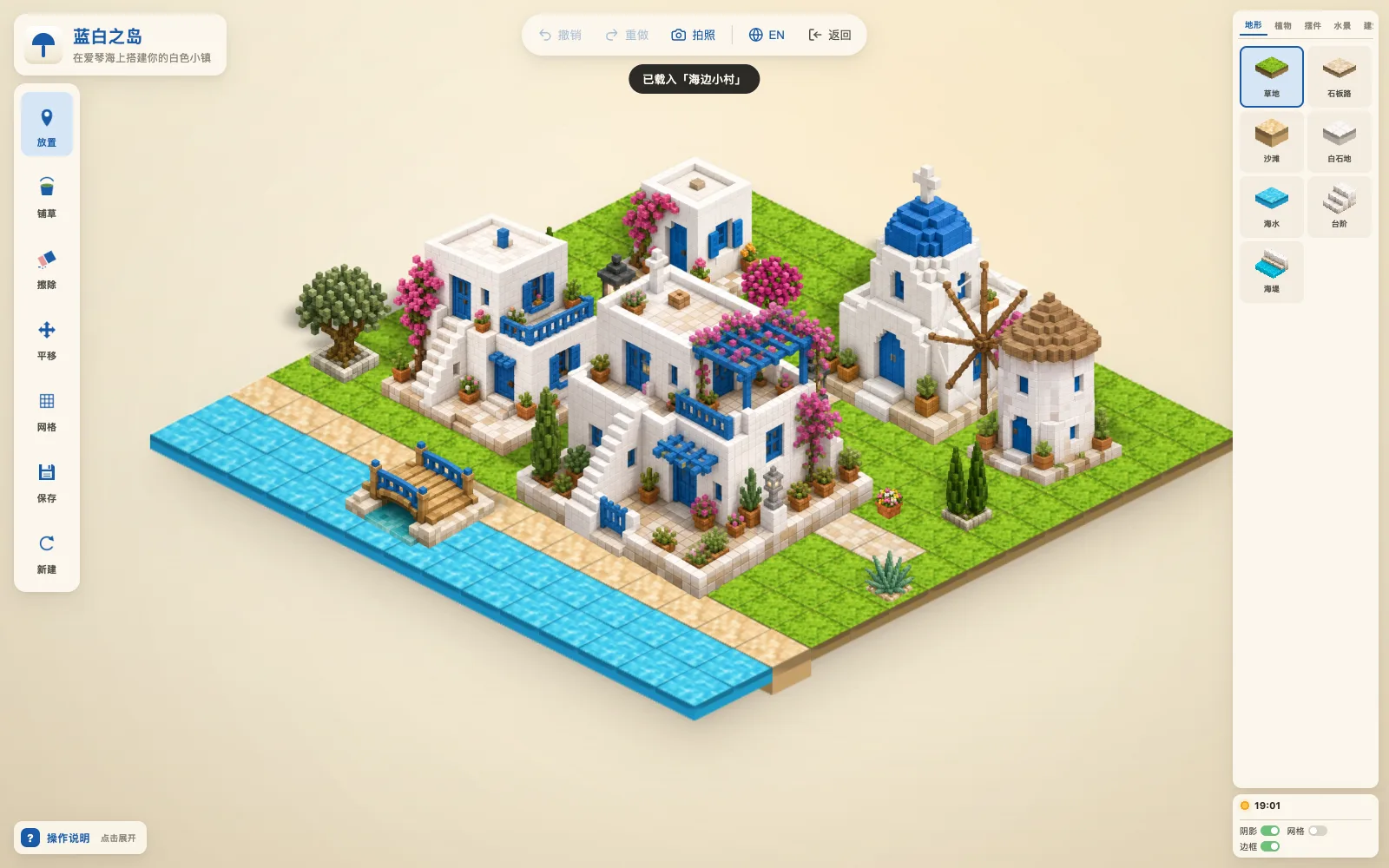
Click to place, drag to paint, right-click or long-press to erase. Five categories — terrain, nature, props, water and buildings — and every piece can be flipped.
Isometric builder · Casual
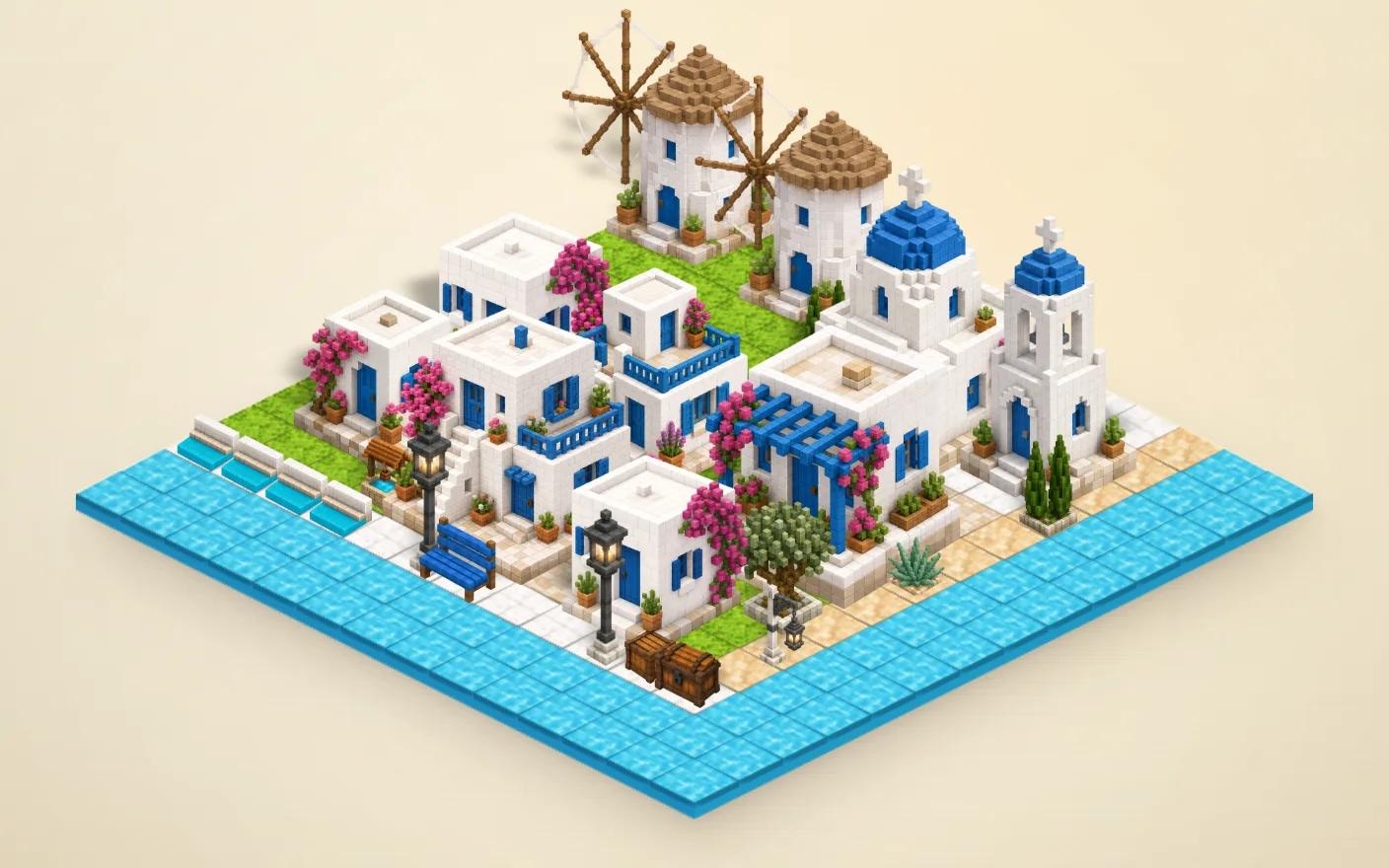
A calm building toy with no goals and no timer. Pick from more than fifty hand-painted voxel pieces — cube houses, chapels, windmills, olive trees, cobbled paths — and click them onto a 14×14 island, where each one lands with a little bounce. Your island saves itself in the browser, and you can export the whole scene as a high-resolution image.
 Play now
Click to place, drag to paint, right-click or long-press to erase. Five categories — terrain, nature, props, water and buildings — and every piece can be flipped.
Every stroke can be undone and redone, and the island saves a moment after you stop. Close the tab and it is all still there next time.
A seaside village, a blue-dome harbor, or empty ground. Starting over asks first, and can be undone.
Press P or tap Photo for a clean, UI-free PNG of the whole island — good for a wallpaper or a share.
Phones and tablets: tap to place, drag to paint, long-press to erase, pinch to zoom, two-finger drag to pan.
| Click / drag | Place / paint |
|---|---|
| Right-click / right-drag | Erase / brush erase |
| Shift + drag · wheel | Pan · zoom |
| H / V | Flip horizontally / vertically |
| Ctrl+Z / Ctrl+Shift+Z | Undo / redo |
| 1–5 · G · P | Category · grid · export image |
RequirementsAny current browser. About 6 MB on first visit, cached afterwards.
No. It runs in the page, and your island stays in this browser — nothing is uploaded.
No, saves are local to the browser. Export an image if you want to keep it.
Use undo (Ctrl+Z or the Undo button at the top) to bring it back.